Say it. See it move.
Describe the moment. Let AI add motion, camera moves, and sound.
Try an idea:
Make videos for YouTube, Instagram, TikTok, and beyond.
Turn your ideas and images into short videos with motion and sound.
Start with the story in your head.
Or give a favorite image its next scene.
Describe the moment. Let AI add motion, camera moves, and sound.
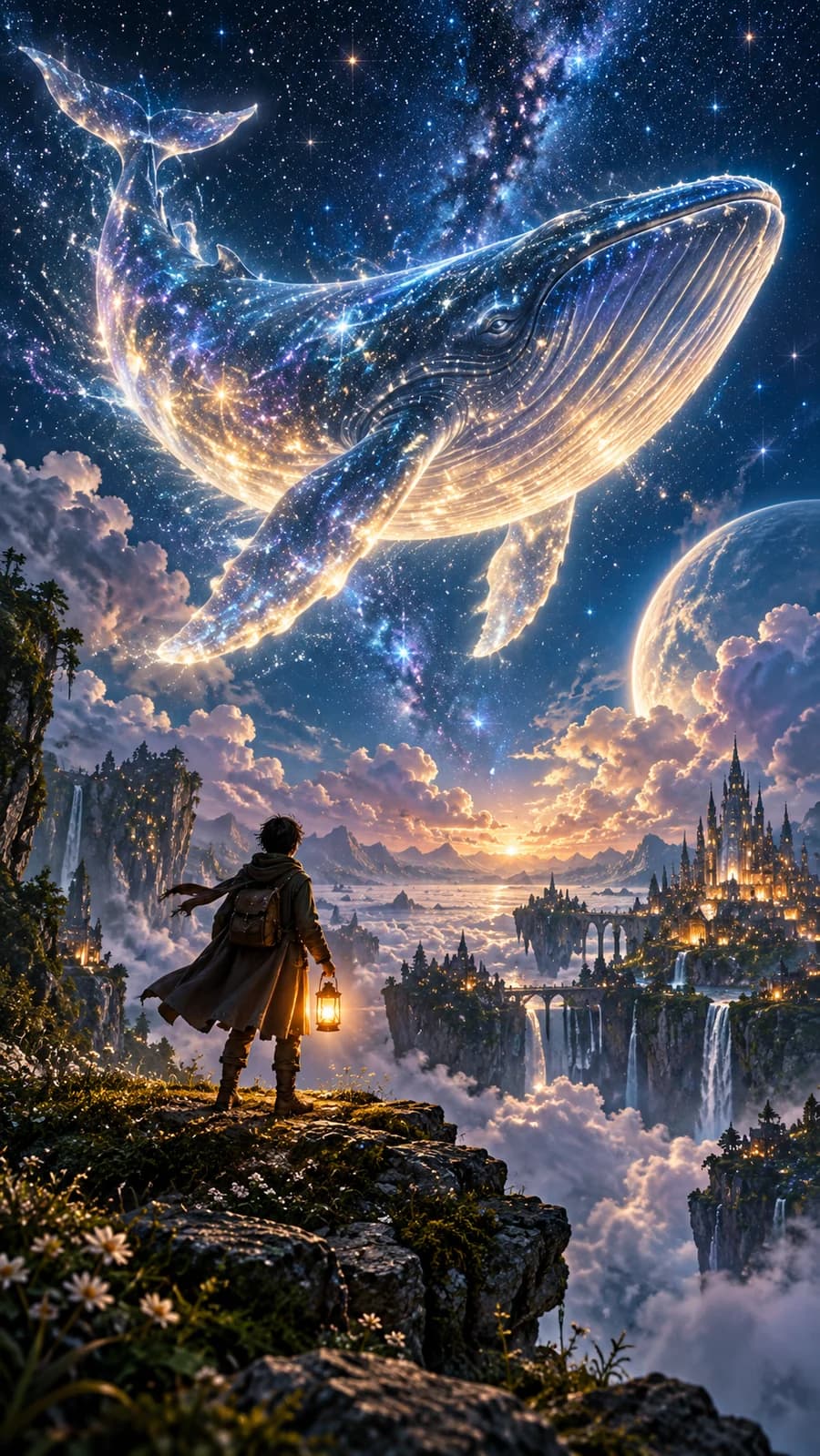
Upload a photo and describe how it should move. We’ll bring the moment to life.
50 original story starters. 10 different worlds.
Pick a concept, make the story your own.
50 story starters · AI-generated concept images
See three visual styles in motion.
Press play to preview each short clip.
Write your idea, choose a story starter, or upload an image.
Choose a model, clip length, format, and sound. See the star cost before you generate.
Download your finished MP4 and share it on your favorite platform.
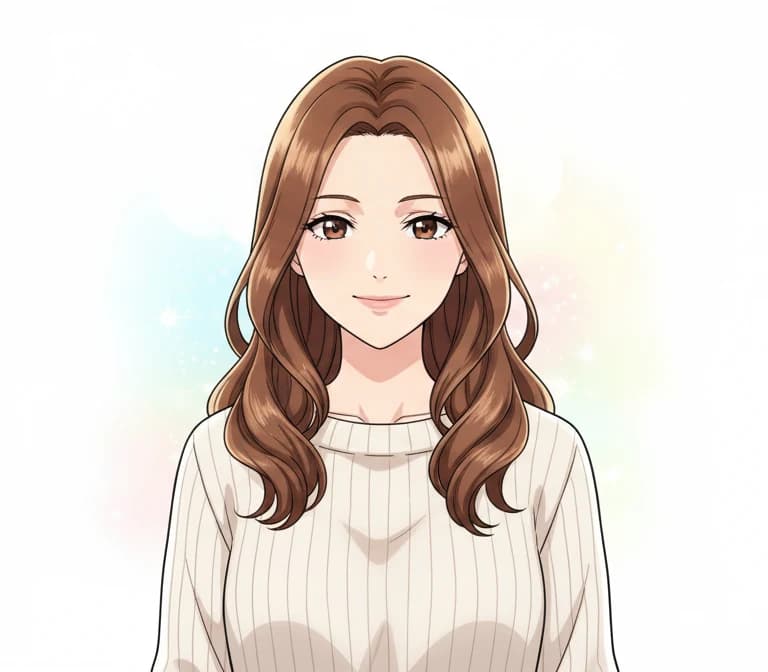
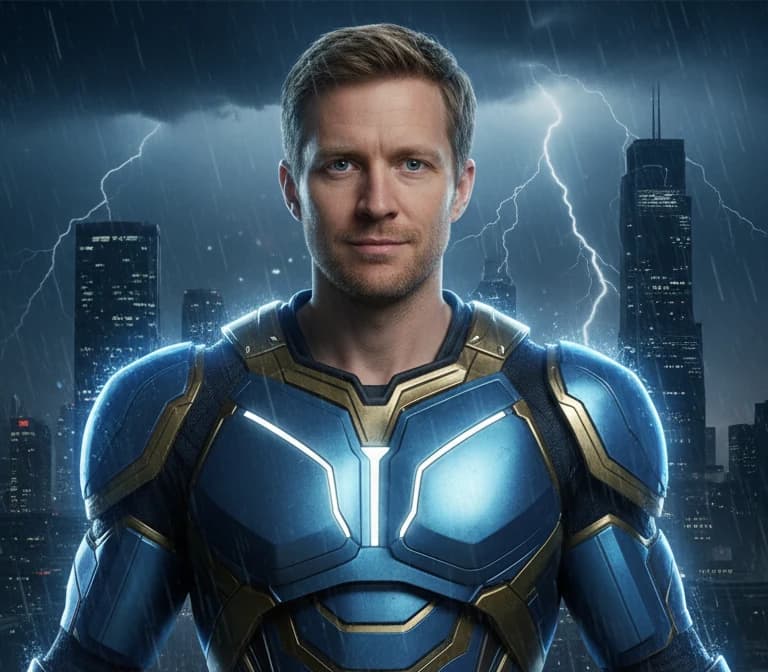
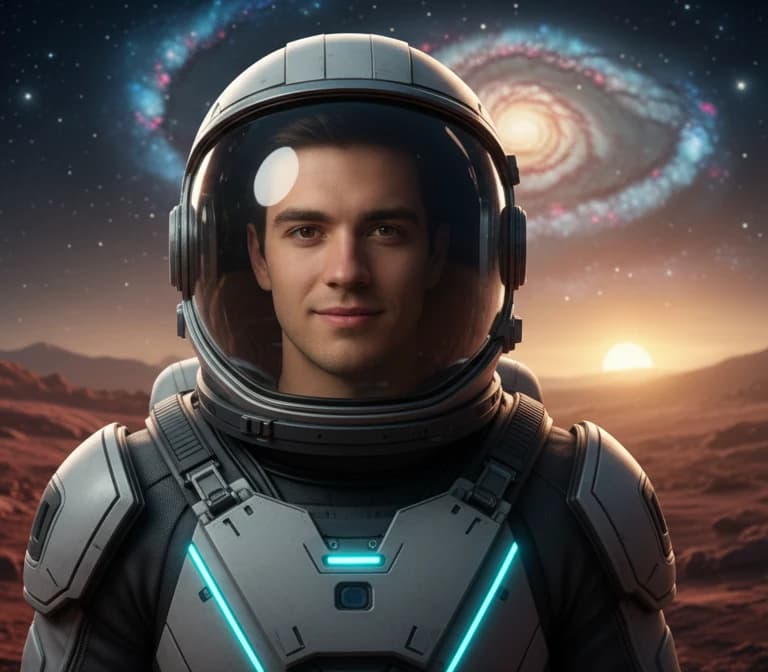
Create a character, transform a selfie, or explore a new look. Your photo tools are right here when you need them.
Videos from 15 stars. Photos for 10.
Buy a pack once. Create whenever inspiration strikes.
Bring your first few stories to life.
Keep the next idea coming.
Cheapest per star. Best for video.
Video counts use Veo 3.1 Lite at 8 seconds with sound. Cost varies by model, duration, and audio. Nothing renews automatically.
Create short AI videos from a text idea or animate an uploaded image. The Video Studio supports 4–10 second clips, depending on the model, with optional sound. You can also generate images and transform photos in the photo tools.
Each story starter includes an AI-generated concept image and a prompt. Choose a story to open its prompt in the Video Studio, then edit it before generating. The cover is inspiration: your video is created from the prompt. To animate a specific image, use Image to Video and upload that image.
No. Describe a moment in everyday words, or start with one of the 50 story ideas. The studio can expand your idea into a short cinematic prompt. Choose your settings, review the star cost, and generate.
Download your finished clip as an MP4. Choose vertical 9:16 for TikTok, Reels, and Shorts, or wide 16:9. Square 1:1 is also available on supported models. Available formats and clip lengths are shown in the studio.
Video generation usually takes 1–3 minutes, depending on the model and demand. You can follow its progress in the Video Studio. Photo generation usually takes about 30 seconds.
No. ToonlyAI is pay-as-you-go: 200 stars for $5, 500 for $10, or 1,200 for $20. Videos cost 15–155 stars depending on model, duration, and sound; photos cost 10 stars. The studio shows the cost before you generate. Stars never expire and nothing renews automatically.
Yes. Photo creation, style transformations, and family portraits remain available in the dashboard. Use Explore photo creation on this page to get started. You can then upload a finished image to Image to Video to animate it.
If a video generation fails, its stars are refunded automatically. The studio shows the failed attempt and its status. You can adjust your prompt or choose a different model before trying again.
No camera. No complicated timeline. Just your imagination.


